
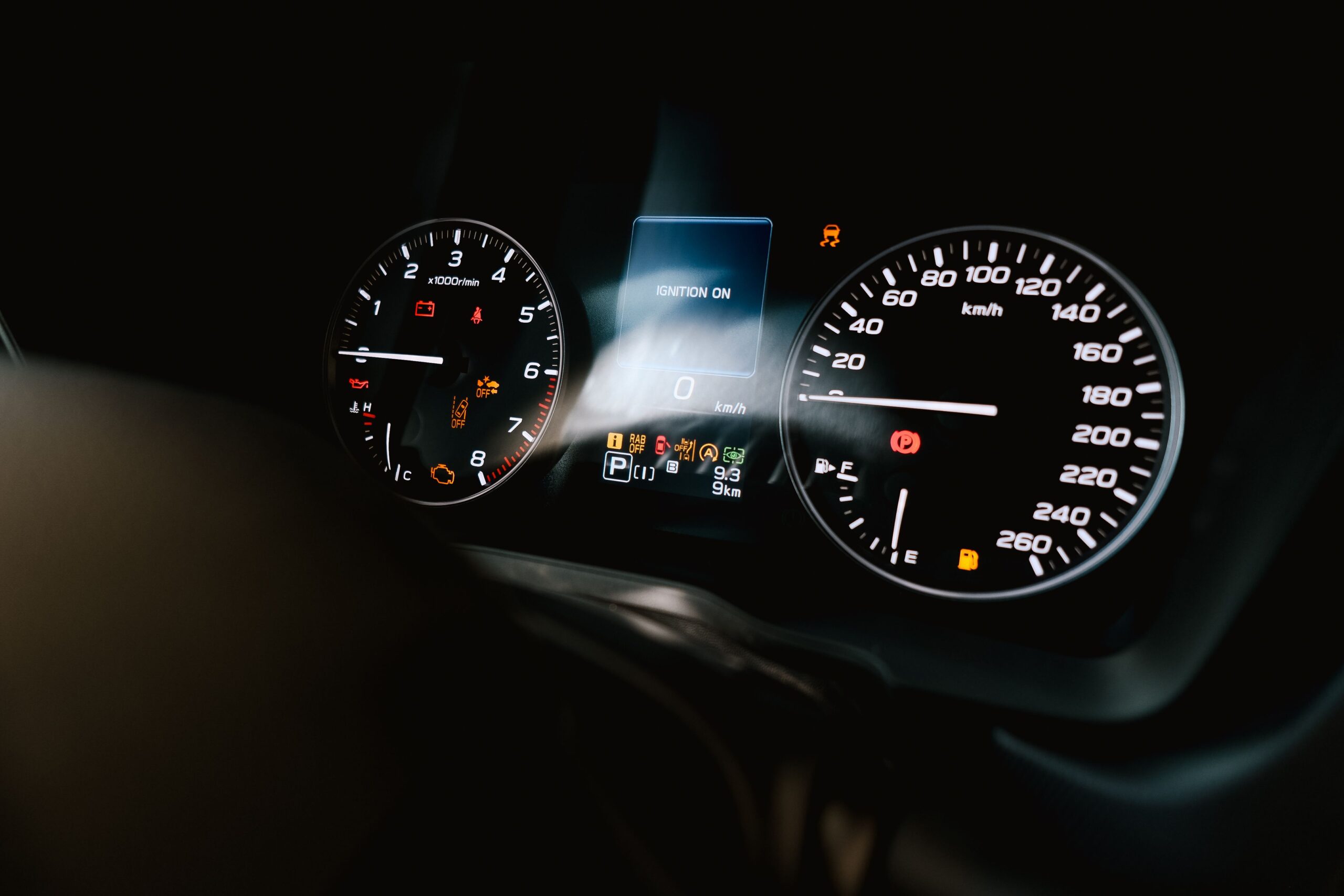
Murphy Enovation Controls PVA35-T-3000-AB Tachometer: Features, Specifications, and Applications
Monitoring engine speed is essential for safe and efficient equipment operation. Operators need clear readings to keep engines within their recommended operating range. A reliable tachometer makes this task easier by displaying engine speed in revolutions per minute (RPM).
The murphy enovation controls pva35 t 3000 ab tachometer is a PowerView analog gauge designed to display engine speed up to 3,000 RPM. It combines a traditional pointer display with electronic communication technology. Its compact design, sealed housing, and flexible power supply make it suitable for compatible industrial and mobile equipment.
Understanding its specifications, installation requirements, and operating principles can help equipment owners choose the right engine monitoring instrument.
What Is the Murphy Enovation Controls PVA35-T-3000-AB Tachometer?
The murphy enovation controls pva35 t 3000 ab tachometer is a 3.5-inch PowerView analog gauge. It displays engine speed through an easy-to-read pointer. The instrument receives information from a compatible PowerView display system and converts that data into an analog reading.
Unlike a basic engine RPM gauge that connects directly to a dedicated speed sensor, this model communicates through an RS485 serial connection using the MODBUS RTU protocol. Compatibility with the existing control system is therefore essential.
The PowerView analog tachometer is designed for electronic engine monitoring applications that use compatible instrumentation. Its pointer display provides a familiar way to check engine speed without requiring operators to interpret a numerical digital screen.
The gauge features a black bezel, a polycarbonate lens, and an environmentally sealed case. It supports compatible 12V and 24V DC electrical systems. These features make it a practical option for suitable industrial and mobile equipment installations.
Key Features of the PVA35-T-3000-AB Tachometer
Several features make this industrial engine tachometer useful in compatible equipment monitoring systems.
1. Clear analog engine speed display
The gauge has a maximum display range of 3,000 RPM. Operators can check engine speed quickly during normal equipment operation.
This is useful when engine speed needs to remain within a specific range. A clear engine speed display helps operators recognize changes and respond when readings move outside the recommended operating limits.
The appropriate speed range depends on the engine manufacturer’s specifications.
2. Compact 3.5-inch gauge design
The PVA35 designation identifies the PowerView gauge size. Its compact format provides a visible display without taking up excessive dashboard space.
Before purchasing the murphy enovation controls pva35 t 3000 ab tachometer, check the available panel space and mounting arrangement. This is particularly important when replacing an existing engine RPM indicator.
3. 12V and 24V DC power compatibility
The gauge supports compatible 12V and 24V DC electrical systems. This flexibility can be useful across different types of mobile machinery and industrial equipment.
However, the electrical supply must remain within the manufacturer’s specified limits. Wiring polarity, connector assignments, and system compatibility should be checked before installation.
4. Environmentally sealed construction
The gauge uses an environmentally sealed case and a polycarbonate lens. These materials help protect the instrument in equipment environments where dust, moisture, and vibration may be concerns.
This makes it worth considering for suitable heavy equipment instrumentation and industrial applications. Proper installation and maintenance are still necessary to preserve its performance.
5. RS485 MODBUS RTU communication
The gauge receives information through an RS485 twisted-pair serial connection using MODBUS RTU communication. This allows it to display data supplied by a compatible PowerView system.
The RS485 tachometer can be connected with compatible gauges in a supported daisy-chain arrangement. Appropriate wiring harnesses and compatible connectors help simplify installation.
Correct communication wiring is essential. A suitable power supply alone does not guarantee that the gauge will work with an incompatible controller.
How Does the PowerView Tachometer Work?
The murphy enovation controls pva35 t 3000 ab tachometer works as part of an electronic engine monitoring system. A compatible engine control system or PowerView display provides the required engine speed information.
The system communicates the relevant data to the gauge through the serial connection. Internal electronics process the information and control the pointer mechanism. The pointer then indicates the engine’s current speed.
This operating principle allows the analog engine speed gauge to combine a traditional display with modern electronic monitoring.
Because the instrument depends on data from a compatible system, the communication setup must be verified before installation. Incorrect wiring, missing data, or an unsupported controller configuration can prevent the gauge from displaying the expected reading.
Common Applications
The Murphy Enovation Controls tachometer may suit equipment that uses compatible PowerView instrumentation.
- Industrial machinery: Operators can monitor engine speed during regular operation.
- Generator equipment: Compatible engine-driven generator systems may use an RPM gauge to monitor engine speed.
- Mobile equipment: Suitable machinery can use the instrument as part of its dashboard.
- Marine equipment: Compatible marine installations may use the gauge when the system and environmental requirements match.
- Commercial equipment: Maintenance teams can use engine speed readings when monitoring equipment performance.
These are potential application categories, not a guarantee of compatibility with every machine. Confirm the controller, communication protocol, RPM range, and mounting requirements before choosing the instrument.
Installation and Wiring Considerations
Correct installation helps the tachometer provide dependable readings. Review the manufacturer’s tachometer installation instructions and the wiring documentation for the connected PowerView system before starting.
First, check the mounting space and panel thickness. The gauge uses a screw-on mounting clamp and supports a panel thickness of up to 3/8 inch, or approximately 9.5 mm.
Next, verify the electrical supply. The gauge supports compatible 12V and 24V DC systems. The actual supply voltage and wiring must comply with the product specifications.
The model uses six-pin Deutsch DT06 series connectors. Use compatible mating connectors and approved tachometer wiring harnesses. Do not assume that the pin assignments match those of another gauge.
The MODBUS RTU communication wiring also requires attention. Confirm the correct connections, polarity, and network arrangement using the manufacturer’s documentation.
After mounting the gauge, test it before returning the equipment to service. Compare the displayed RPM with a reliable reference when possible. If the gauge does not respond correctly, inspect the power supply, connectors, serial communication wiring, and controller configuration.
Electrical work should be completed by a qualified technician when required by the equipment or installation conditions.
Troubleshooting Common Tachometer Problems
A gauge that does not display engine speed may have a power, communication, or configuration problem.
The gauge does not turn on: Check the supply voltage, electrical connections, and relevant fuses. Confirm that the power supply meets the manufacturer’s requirements.
The pointer does not move: Verify that the PowerView system is operating correctly and transmitting engine speed data. Inspect the RS485 connection and confirm system compatibility.
The engine RPM reading appears incorrect: Compare the display with a reliable reference. Check the configured engine speed source and verify that the connected system is providing the correct information.
The gauge works intermittently: Inspect the connectors and wiring for loose connections, damage, moisture, or interference. Check the network arrangement against the installation instructions.
A systematic tachometer troubleshooting process can help identify the cause before parts are replaced. Problems in the controller or wiring can produce symptoms similar to a faulty gauge.
How to Choose the Right Replacement Gauge
When replacing an existing instrument, verify the complete model number rather than relying on appearance alone. Similar-looking Murphy engine gauges may have different display ranges, bezel styles, or communication options.
Check the maximum RPM range, supply voltage, connector type, mounting dimensions, and PowerView compatibility. Also confirm whether the application requires a standard gauge or a remote/repeater version.
The murphy enovation controls pva35 t 3000 ab tachometer is a specific configuration. Buyers should compare the part number with equipment documentation and the manufacturer’s product information before ordering.
For a replacement PowerView tachometer, confirming these details can reduce the risk of purchasing an instrument that cannot communicate with the installed system.
Conclusion
The murphy enovation controls pva35 t 3000 ab tachometer combines a clear analog display with electronic communication capabilities. Its 3,000 RPM range, compact design, sealed housing, and 12V/24V DC compatibility make it a useful option for suitable engine monitoring systems.
Its performance depends on correct installation and compatibility with the connected PowerView equipment. Checking the model number, wiring, communication protocol, and mounting requirements before purchase can help prevent installation problems.
For equipment owners and maintenance professionals, understanding these specifications makes it easier to select the right engine monitoring gauge and maintain reliable engine speed readings.
Discover more trending topics, insightful stories, and engaging reads at TheGlobalMag.com.